
Smart parting plane
The app suggests the best place to split your model and previews the split line in 3D before you commit.
Mold design runs in your browser · your models stay on your computer
Upload an STL or OBJ and Sirpam suggests the parting plane, then builds two-part mold halves with sprues, vents and pins — ready to print and pour.
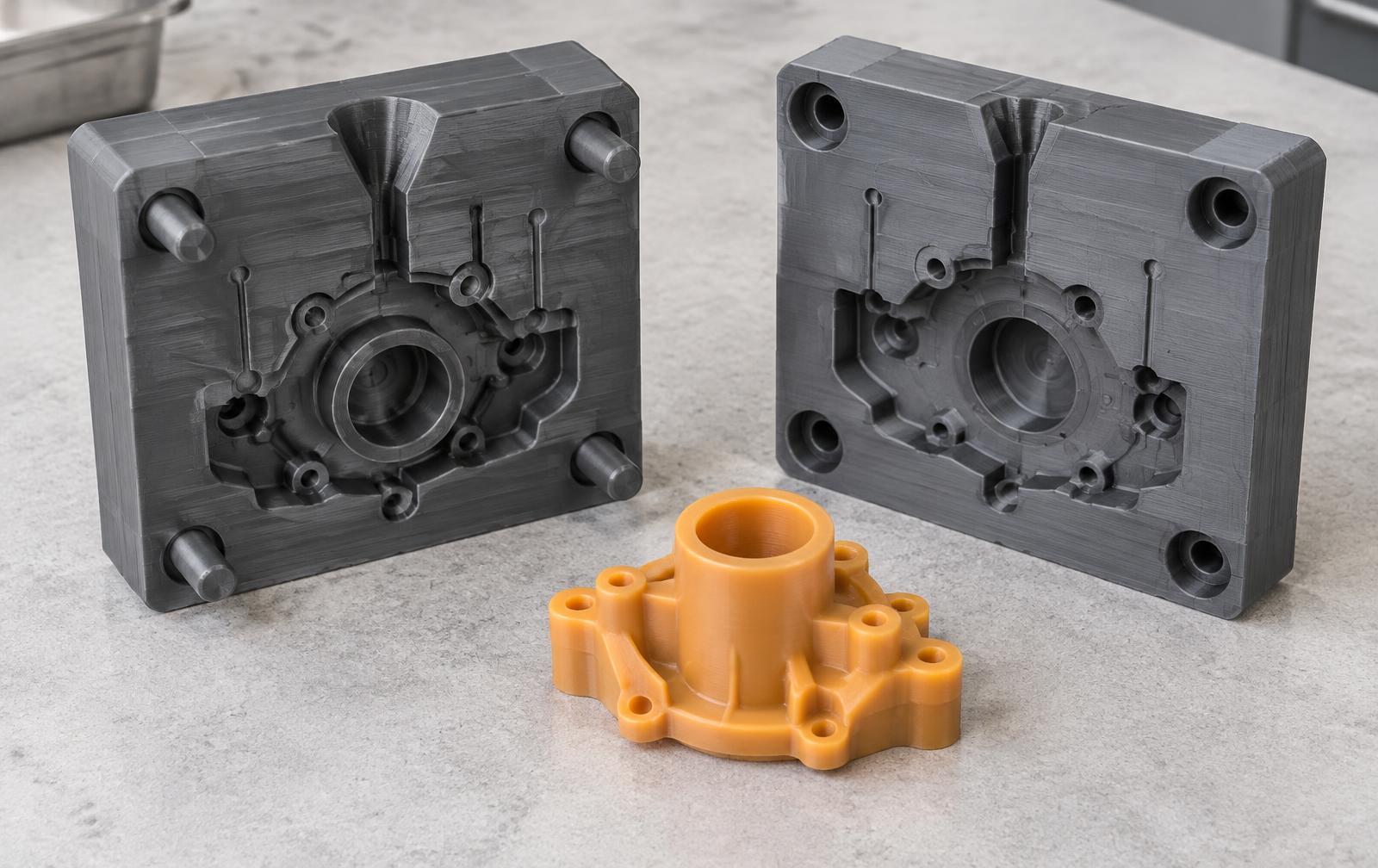
The details that make or break a cast — parting, venting, alignment, shrinkage — handled for you.
The app suggests the best place to split your model and previews the split line in 3D before you commit.
Pour hole, air vents and registration pins are generated automatically — no CAD work needed.
Curved split lines for shapes that won't pull straight out, plus 3- or 4-piece molds for wide models.
Holes and broken spots in your mesh are fixed automatically, so the mold still builds.
See how much casting material to mix and what the print will cost before you print.
Making many molds? Find out how many printer plates you need and what each mold costs.
Drop in an STL or OBJ file — or describe the shape and let the AI model maker build it.
Drag the suggested parting plane, preview the split line, and choose your mold options.
Two (or more) mold halves with sprues, vents and pins — built in seconds.
Export printable STLs, print them, and pour. Send them to a service with one click if you don't own a printer.
Designing is free — upload a model, plan the split and preview the mold at no cost. New accounts get 10 welcome credits and 3 free exports every month; after that, exporting and pro tools use credit packs.
No. All the geometry work happens in your browser. Your model is only uploaded anywhere if you sign in and save it to your own private gallery, or send it to a print service yourself.
Any FDM or resin printer works for the mold halves. The built-in presets cover casting chocolate, candle wax, soap, concrete, resin and more, each with the right shrinkage and clearance.
Open STL, OBJ, 3MF and STEP files. Export mold halves as STL, OBJ, 3MF or STEP.
Yes. Export the mold files and send them to any of the ten print and casting services listed on our Shop page, with price estimates per mold size.